An AI customer support agent is useful when it helps customers reach the right answer or the right person faster. It fails when a company treats it as a wall between the customer and a human being.
Key takeaways
- Support agents should have a narrow job and an obvious escalation path.
- The knowledge base matters more than the personality of the bot.
- A good support agent should improve the handoff to humans, not hide it.
A support agent needs a job description
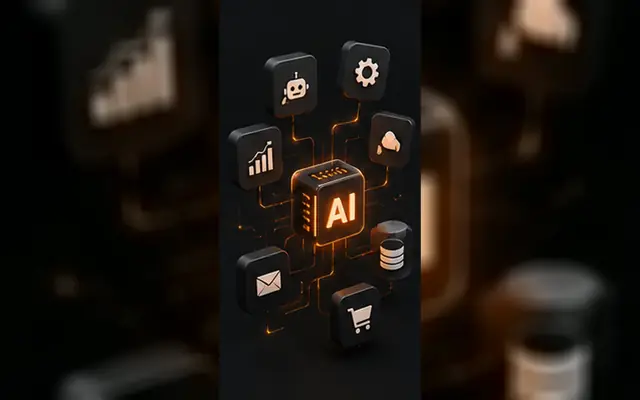
The best support agents do not try to answer everything. They handle repetitive first-line questions, collect the context needed for a ticket, and route exceptions to a person with the right information attached.
For a clinic, law firm, SaaS company, or service business, this can mean availability questions, document requirements, account guidance, booking context, and status updates. It should not mean inventing answers in a high-risk situation.
Build around trusted information and clear boundaries
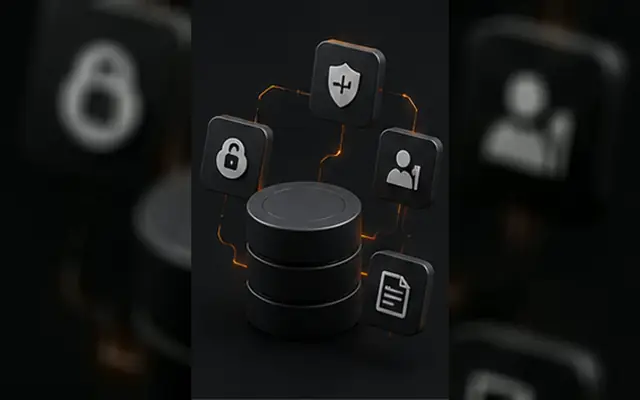
An agent should pull from approved sources: help articles, service rules, current policies, CRM facts, and selected product documentation. If the system does not know, it should say so and hand the conversation off.
This is why internal AI systems are often better than a generic public chatbot. Permissions, data sources, and escalation rules can match the actual business rather than a demo use case.
- show source-backed answers where appropriate
- identify intent before suggesting a response
- collect missing information before escalation
- keep a complete handoff summary for the support team
Evaluate the handoff, not just the deflection rate
A lower ticket count is not automatically a win. The better question is whether customers got a correct answer quickly and whether the human team received better context when escalation was necessary.
Panic Digital designs support automation around that standard: useful first response, reliable routing, visible human access, and reporting that shows where the knowledge base still needs work.
Checklist
- List the five most repeated support requests from the last month.
- Separate low-risk questions from issues that need a human immediately.
- Connect only approved and current knowledge sources.
- Create an escalation path with a structured handoff summary.
- Review unresolved questions every week and improve the knowledge base.
FAQ
It can answer approved common questions, collect support context, classify requests, route tickets, summarize conversations, and assist support staff with the next response.
No. It should handle repetitive first-line work and make human support more informed and faster when the question is complex or sensitive.
Want support automation that still feels accountable?
Panic Digital builds AI support workflows with clear knowledge sources, escalation rules, and real business context.
Originally published on panicdigital.com.